192 l.168.1.1 Router Login: open the right address
192 l.168.1.1→192.168.1.1
An IP address has only numbers and dots. The letter “l” and the space make the browser search Google instead of opening your router.
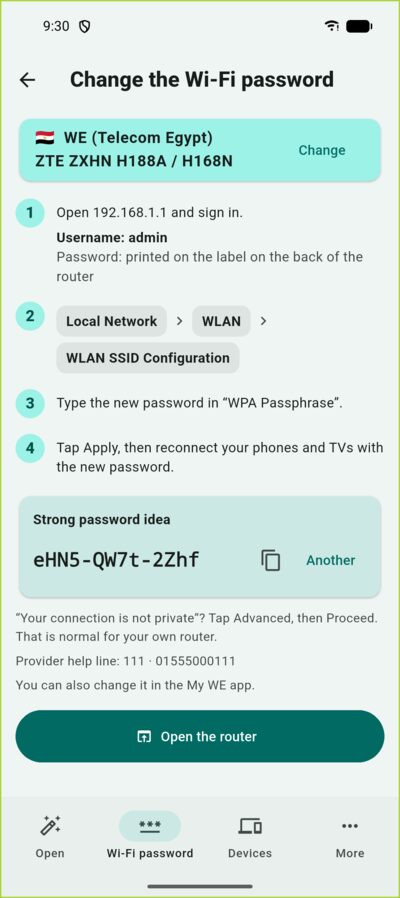
WiFi Admin fixes the typo for you, finds your router and opens its login page in one tap. Then it walks you through changing the Wi-Fi password for your provider and router model.
Get WiFi Admin on Google Play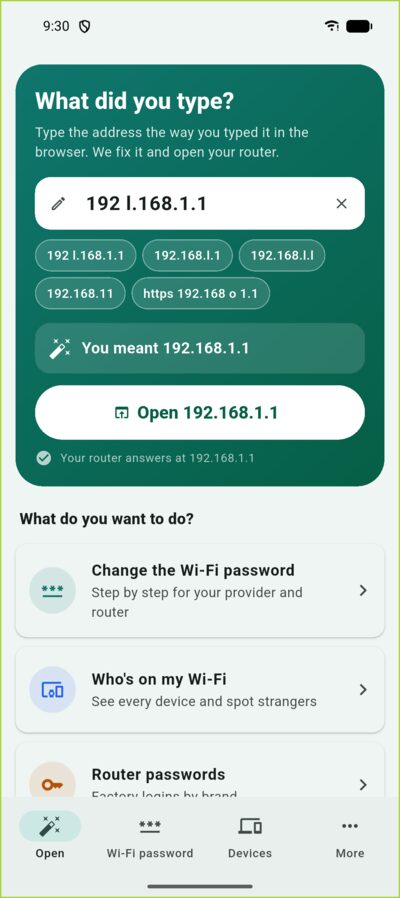
Common typos and the correct address
| What was typed | Correct address |
|---|---|
| 192 l.168.1.1 | 192.168.1.1 |
| 192.168.l.1 · 192.168.l.l | 192.168.1.1 |
| 192.168.11 | 192.168.1.1 |
| https 192.168 o 1.1 | http://192.168.1.1 |
What the app does
Typo fixer
Type the address the way you typed it in the browser. The app shows the real one and opens it.
Change the Wi-Fi password
Pick your provider (WE, Vodafone, Orange, Etisalat and more) and router model to see the exact menu, field and button, with a strong password ready to paste.
Who is on my Wi-Fi
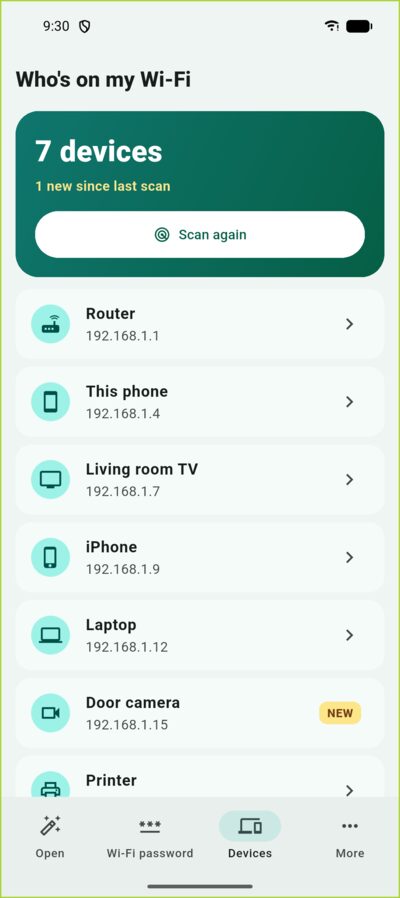
See the phones, TVs and cameras connected to your network and spot new devices.
Router passwords
Default usernames and passwords by brand, built into the app and searchable offline.
Network tools
Wi-Fi analyzer, ping, port check, DNS lookup and Wake-on-LAN.
Your login stays yours
What you type on the router page goes only to your router. No account needed.